
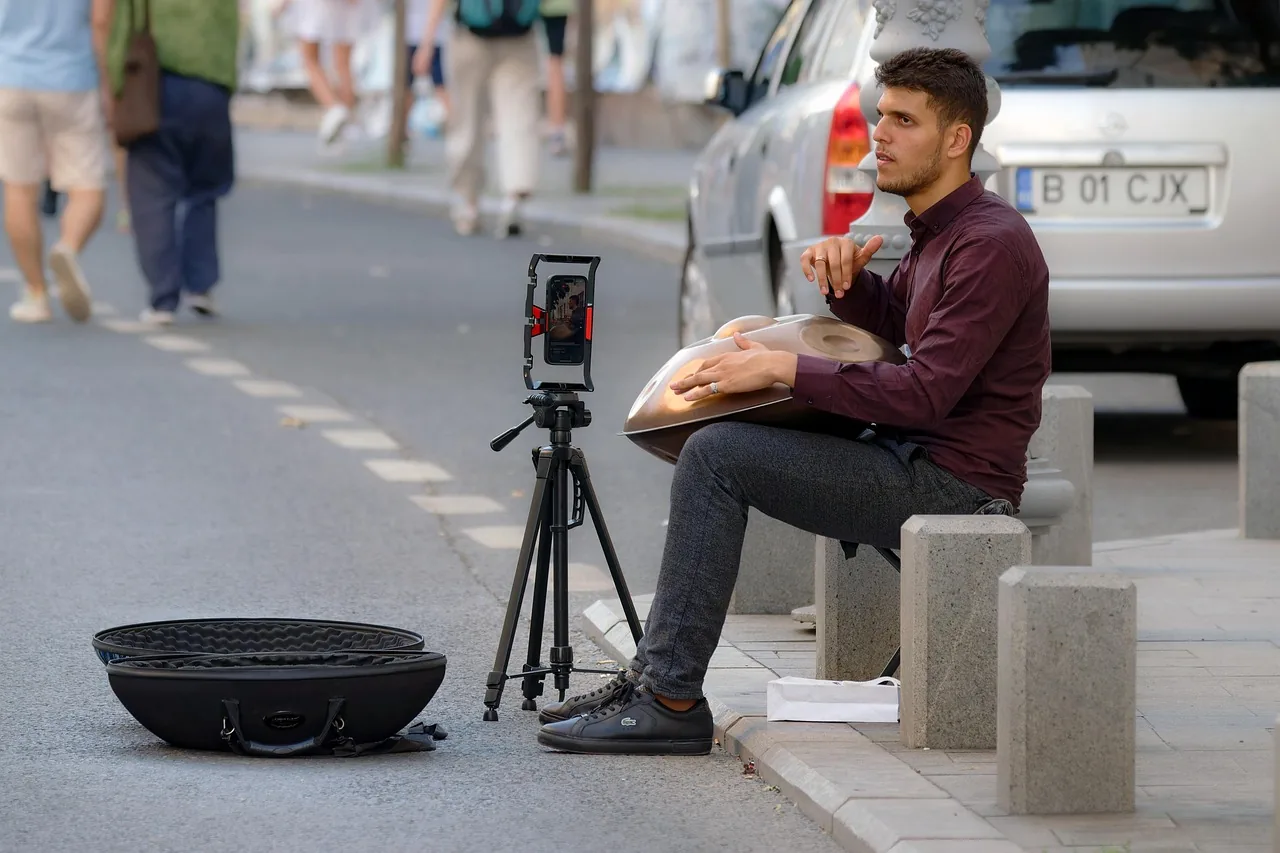

Do you work in a home studio and want to recreate the ethereal atmosphere of a handpan without recording the acoustic instrument? This guide compares well-regarded options for achieving convincing textures that are playable and easy to mix.
Our goal: to examine Kontakt libraries, modelling engines and plugins that support expressive MIDI performance.
We explain why the result depends as much on how you play as on the plugin you choose: velocity, humanisation, sustain and subtle variations strongly influence how realistic it sounds.
Clear buying criteria: attacks, resonances, articulations, microphone and stereo options, DAW compatibility and licensing requirements. This guide is for ambient composers, electronic producers, percussionists and creators looking for handpan-like sounds they can quickly add to a project.
For more on modelling and advanced options, see the microphone-positioning features in this technical document: the Pianoteq manual.
Choosing a truly realistic virtual handpan plugin
A virtual handpan’s realism depends first on the richness of its layers and articulations.
Sample quality and velocity layers
Velocity layers change the timbre according to how hard you play. Without them, fast patterns sound mechanical.
Libraries such as Pandrum (5 layers) and Alien Drum (up to 15) reduce the “machine-gun” effect by varying the colour of repeated notes slightly.
Articulations, microphones and stereo image
Articulations (fingers, palms, muted strikes, open and closed sounds) shape the instrument’s character, whether it plays a melodic or textural role.
Recording setup matters: Cloudrum offers 2 microphone positions and mono and stereo modes, which help you place the instrument in a mix.
Compatibility and version requirements
Check whether the tool is a standard plugin or a library that requires Kontakt or Kontakt Player. The player version and operating system may affect your purchase.
If you want to avoid Kontakt, a modelling option such as Pianoteq Pro makes integration simpler and reduces dependencies.
Built-in effects and sound shaping
Reverb, delay and modulation can turn a closely recorded sound into ambient layers while retaining its metallic attack.
Before buying, listen to demos both solo and in a mix, test the velocity response, and check CPU and memory use.
To compare your options, see this selection of 5 handpan plugins.
Handpan VST: compose on a keyboard with a realistic sound
Here is a focused selection to help you quickly choose the right tool for your musical project.
Pandrum (Cinematique Instruments)
Best for: composition and sound design.
Pandrum offers 6 handpan timbres and 2 drums, 18 scales and 6 presets. Its 5 velocity layers make repeating patterns sound more organic. It is ideal for writing pieces centred on this instrument without extensive setup.
Pan Drums (Soniccouture)
Best for: established, convincing sounds.
Sampling dating back to 2007 (Panart Hang, Halo), 6 instruments for Kontakt Player, root notes F/D/C/B and 50 presets. It offers strong realism at a high price and suits professional productions that can accommodate the Kontakt dependency.
Pianoteq Pro (Modartt)
Best for: modelling and advanced editing.
Professional modelling at up to 192 kHz, note editing and sound-shaping options. The handpan option fits into a suite of instruments, which is useful if you want a broader ecosystem. See the Pianoteq manual.
Alien Drum (8DIO)
Best for: versatility and detailed sampling.
4,337 samples, up to 15 velocity layers and 4 articulations. Real-time effects in Kontakt. Excellent playability, though you should check compatibility.
Ample Percussion Cloudrum (Ample Sound)
Best for: a free starting point.
Free, with a 3-octave range, 4 articulations and microphone positions. Closer to a tongue drum than a true handpan, it is ideal for sketching ideas and trying out scales.
Composing and producing with a handpan VST on a keyboard
A practical workflow in Ableton Live can turn a detailed plugin into a living instrument.
MIDI setup and latency: reduce the buffer size and choose a low-latency audio interface. Enable direct monitoring if needed. Test playability, especially with demanding Kontakt instruments.
Programming convincing parts: avoid quantising everything fully. Set quantisation to 50–70% and add small timing offsets. Vary velocity and alternate the available articulations.
Keep patterns spacious enough to let the notes resonate. Avoid crowding them so that the harmonics remain clear.
Placement and processing in the mix
Start by cutting frequencies below roughly 200 Hz to make room. For presence, try a short room or plate reverb as an insert.
Send the signal to a longer reverb to create atmosphere, and add a subtle tempo-synced delay if needed. If the instrument’s stereo image is very wide, narrow it somewhat to keep it coherent with vocals or piano.
| Problem | Quick action | Goal |
|---|---|---|
| Latency | Reduce the buffer size, enable direct monitoring | Smooth playability |
| Mechanical sound | Quantise to 50–70%, vary velocity randomly | Natural, lively sound |
| Frequency masking | High-pass filter | Clear notes |
Final tip: preserve the clarity of transients and midrange frequencies when layering electronic textures. For more on modelling and microphone placement, see the Pianoteq manual.
Conclusion
In short, playability and integration into your projects matter most.
For a simple choice: Cloudrum to get started for free, Pandrum for composition, Pan Drums for its well-regarded presets, Pianoteq Pro for modelling, and Alien Drum if you want a highly detailed library.
Before buying, check three things: realism (layers and alternate samples), expressiveness (articulations, microphones and stereo image), and compatibility (DAW, player and installation).
Recommended test: create an 8-bar loop in Ableton, automate the dynamics and judge the result in the mix rather than in isolation.
To develop your skills beyond sound production, practise scales and improvisation with Handpanner, then structure your pieces in Notepan to share or archive your ideas.
Production goal: with a good library and a disciplined MIDI workflow, the handpan becomes a reliable, usable sound for ambient, cinematic, pop and screen music.